

 Home
Home
 Education
 Technology
 Relationship
 History
 Business
 Career
 Religion




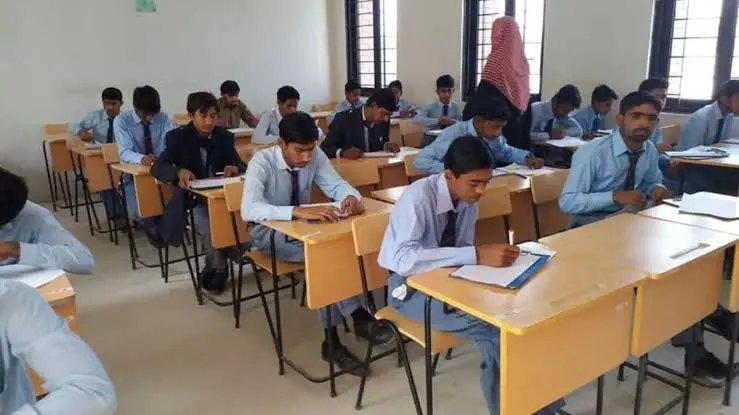
BISE Lahore SSC 2nd Annual Exam 2026: Online Admission Open for Private Candidates
The Board of Intermediate and Secondary Education BISE Lahore has officially opened the online admission portal for private candidates appearing in the SSC (2nd Annual) Examination 2026.
Students looking to clear compartments, improve their marks, or appear as private candidates can now register directly through the official BISE Lahore portal at sscpvt.biselahore.com.
Key Eligibility & Admission Categories
Candidates registering for the Secondary School Certificate (SSC) 2nd Annual Examination 2026 can apply under several specific options depending on their previous academic standing:
-
Full Appear (10th Class): For candidates taking all 10th-grade subjects.
-
Compartment: For candidates aiming to clear supplementary/failing subjects from previous sessions.
-
Already Registered (Not Appeared Since 2010): For previously registered students who haven't taken exams since 2010.
-
Already Appeared in 9th Class: For candidates registered only for Part-I exams.
-
All Subjects (9th & 10th Class Combined): For candidates taking composite exams for both parts simultaneously.
-
Other Exam Options: Includes Marks Improvement, Additional Subjects, Al-Sunnah-Sharqia, and Al-Sanvia-AAMA.
Step-by-Step Guide to Applying Online
| Step | Action | Description |
| 1. Portal Access | Visit Website | Go directly to sscpvt.biselahore.com. |
| 2. Select Category | Choose Option | Pick your appropriate admission category (e.g., Compartment, Full Appear, Marks Improvement). |
| 3. Enter Academic Data | Input Credentials | Enter your previous Registration Number, Exam Session (Annual/Supply), and Exam Year. |
| 4. Complete Form | Fill Details | Provide accurate personal information and select required subjects within 5 minutes. |
| 5. Download & Pay | Processing | Generate the admission form and pay the prescribed fee via designated bank challan options. |
Crucial Registration Rules & Helpline
Session Timeout Notice: The online application session expires automatically after 5 minutes. Complete your registration details promptly to avoid losing entered information.
-
Official Link: BISE Lahore SSC Private Admission Portal