




 Home
Home
 National
 International
 Merit list
 Date Sheet
 Result
 Admission
 Study Abroad



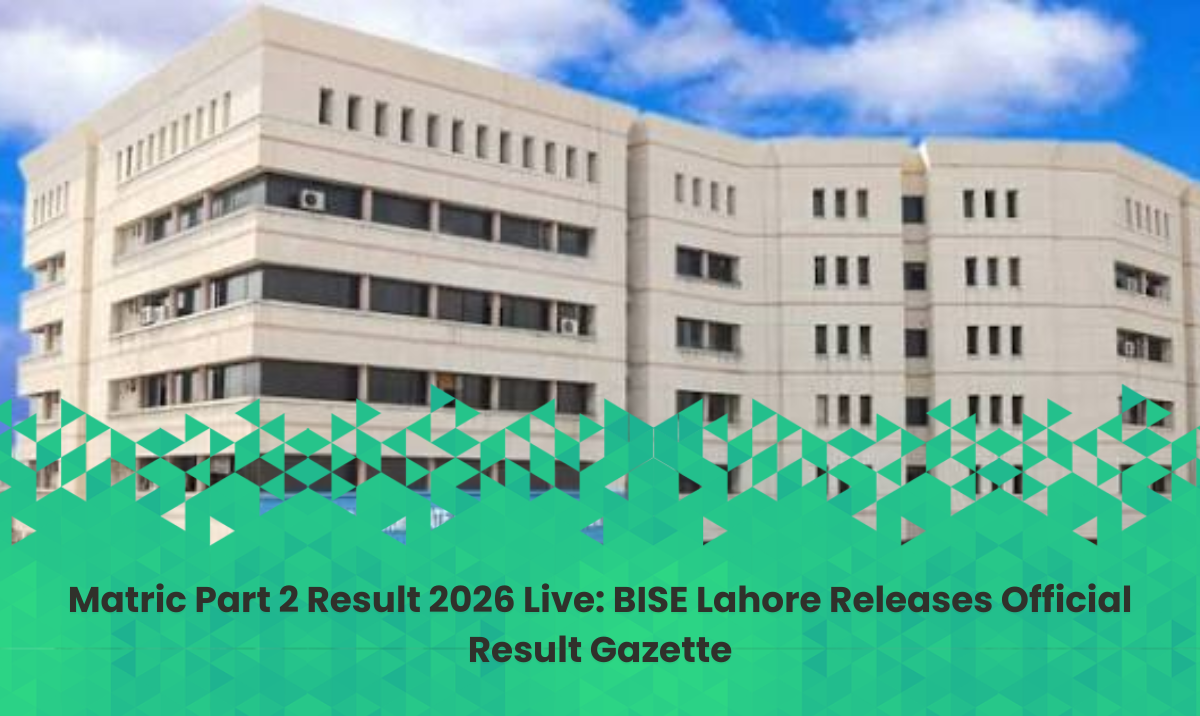
Comprehensive Guide to Downloading and Checking the 10th Class Lahore Result Gazette 2026
The announcement of the 10th class result marks a critical milestone in every student's academic journey. Across Pakistan, thousands of students eagerly await their matric result gazette to evaluate their performance in the Secondary School Certificate (SSC Part 2) examinations. While online portals and SMS services are widely used, downloading the official 10th class lahore matric result gazette remains the most reliable offline method for students, teachers, and institutions to verify complete academic records, school-wise statistics, and overall position holder summaries.
This comprehensive guide covers everything you need to know about accessing your 10th class result gazette , understanding your marks, and exploring alternative methods to check your scores.
Understanding the Importance of the Matric Result Gazette
When educational boards declare annual results, millions of students log onto official websites simultaneously. This heavy internet traffic frequently causes server crashes, slow loading times, and connection timeouts. During these high-congestion periods, the matric result gazette serves as an invaluable alternative.
The 10th class result gazette is an official document published by respective Boards of Intermediate and Secondary Education (BISE). It contains a comprehensive list of all candidates who appeared in the exam, detailing their roll numbers, names, father's names, obtained marks, and final result statuses (Pass, Fail, or Compartment).
Key Benefits of Using a Result Gazette:
-
Complete Data Access: Unlike individual portals that only show a single student's record, a gazette allows users to view entire school results at a glance.
-
Offline Convenience: Once downloaded as a PDF file, the 10th class result gazette requires no internet connection to search.
-
Verification for Schools: Educational institutions rely heavily on the matric result gazette 2026 to compile institutional performance reports and prepare for intermediate admissions.
How to Download and Search the 10th Class Result Gazette
Navigating a massive PDF document containing tens of thousands of student records can seem daunting. However, modern digital tools make searching the 10th class result gazette quick and straightforward. Follow these step-by-step instructions to find your details:
-
Visit the Official Board Website: Navigate to the official website of your respective educational board (such as BISE Lahore, Gujranwala, Multan, Faisalabad, Rawalpindi, or the Federal Board FBISE).
-
Locate the Gazette Section: Look for the "Downloads" or "Gazette" tab on the homepage. Boards typically upload the 10th class result gazette in PDF format on the exact day of the result announcement.
-
Download the PDF File: Click the download link. Because these files are large, ensure you have a stable internet connection or use a download manager.
-
Open and Search: Open the document using any standard PDF reader application on your computer or mobile phone.
-
Use the Find Command: Press
Ctrl + F(on Windows) orCmd + F(on Mac) to open the search box. If you are using a smartphone, tap the magnifying glass icon in your PDF viewer. -
Enter Credentials: Type your exact roll number or full candidate name into the search bar. Searching by roll number is always recommended to avoid confusion caused by students with identical names.
Alternative Ways to Check Your 10th Class Result
If downloading a large document is inconvenient, several other efficient methods exist to check your 10th class result instantly:
1. Checking Online via Roll Number
The most popular method is visiting your board's official website, navigating to the results portal, selecting the 2026 annual examination, and entering your unique roll number. Your detailed marks sheet (DMC) will appear on the screen within seconds.
2. Checking via SMS Service
For students facing internet connectivity issues, education boards across Pakistan offer dedicated SMS shortcodes.
-
Open your mobile messaging app.
-
Type your roll number carefully.
-
Send it to your board's official designated code (e.g., 80092 for BISE Lahore or 5050 for the Federal Board).
-
Receive an automated return text containing your total marks and grade.
3. Checking by Candidate Name
Some boards also permit students to look up their matric result by entering the student's full name and father's name. This is particularly useful for candidates who have misplaced their roll number slips, though entering accurate spellings is crucial to avoid errors.





.png)

.png)


Share your comments & questions here
No comments yet. Be the first to comment!